Macro Editor
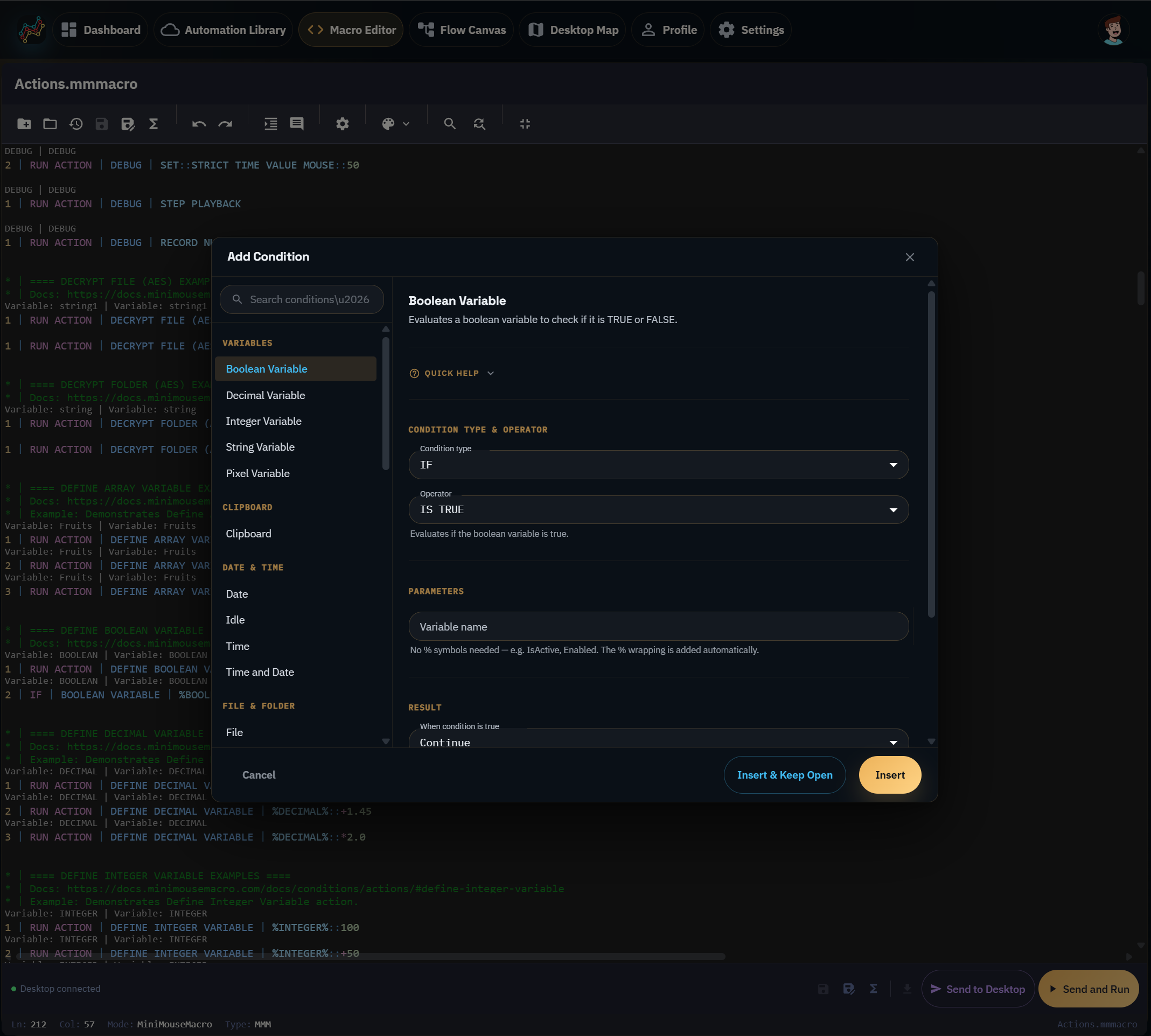
Macro Editor is the browser-based editor for MiniMouseMacro macro content in the Cloud Workspace. Use it when you want to review, edit, or save macro files from your account without switching to the Windows desktop app.
What it is for
- Open saved macro assets from Automation Library.
- Edit MiniMouseMacro macro text in the browser.
- Save changes back to your account-backed library.
- Prepare macro content that can later be run by the desktop app.
Macro Editor is useful for editing and organising macro content online. The Windows app remains the place where desktop automation actually records and plays against your local screen, keyboard, mouse, windows, and files.
Running or sending macro content
Some editor actions can work with a linked desktop, for example loading content into the desktop app or asking the desktop to run supported macro content. Those actions require a linked Windows desktop that is online and compatible with the requested action.
If the desktop is not linked, you can still use browser-side editing and saved library management where your account plan allows it.